May 23, 2013

10 tips for creating photos that tell stories

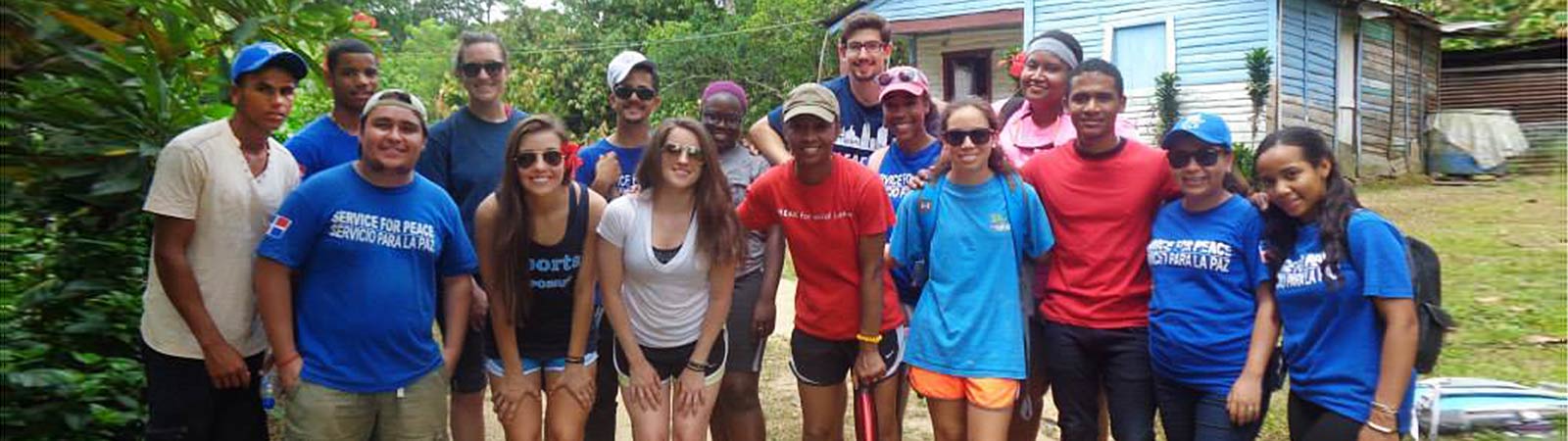
Post stories

Get supporters involved by sharing your story through pictures

Target audience: Nonprofits, cause organizations, foundations, NGOs, social enterprises, businesses, marketers.

John HaydonThe Internet is slowly but surely becoming one big picture book.

Instagram and Pinterest have grown at astronomical rates precicely because they allow people to easily create, curate and share pictures. And Facebook has placed more importance on pictures, with cover images, full screen viewing and newsfeed preferences.

Photos are huge but simply posting photos is not enough. You have to post stories! Continue reading

May 22, 2013

What nonprofits can learn from public radio about storytelling

radio
Photo courtesy of CubaGallery via Creative Commons

Should your organization incorporate audio into your digital communications toolkit?

Guest post by Will Coley
Producer-Founder, Aquifer Media

will coleyIf nonprofits want to learn how to create content that both engages audiences and creates devoted supporters, we need look no further than the gold standard offered each day by public radio. Think about it: Radio producers can create stories that keep us in the car for “driveway moments” even when we’ve reached home, just so we can hear the ending.

iheartnprPublic radio has created legions of devotees who give money for something they can already get for free. At the same time, we’re in the middle of a renaissance of digital audio online and via mobile technology.

To take advantage of this exciting and pivotal moment, nonprofits should consider adding audio storytelling to your digital communications toolkit. Here’s why. Continue reading

May 21, 2013

Create exclusive events to reward key supporters

space&air

How the Smithsonian National Air & Space Museum uses exclusive tweet-ups to engage supporters

Guest post by Annie Lynsen
SmallAct

AnnieLynsenI‘ve written before about the importance of engaging key supporters (heck, we wrote a white paper with Blackbaud and the National Wildlife Federation on that very subject last year). The other day I got to experience a fantastic event geared toward doing just that.

Earlier this month, the Smithsonian National Air and Space Museum posted an invitation to an event built around the new movie “Star Trek Into Darkness.” But this wasn’t an ordinary tweet-up. This was designed to be an intimate, behind-the-scenes event for only 10 people. Continue reading

May 20, 2013

3 Facebook page tweaks that maximize reach

Maximize Reach

Allow posting, tagging and replies to increase engagement

Target audience: Nonprofits, cause organizations, foundations, NGOs, social enterprises, businesses, marketers, Facebook page administrators.

John HaydonMost of what you read about creating more reach for your Facebook page either has to do with Facebook ads or optimizing content.

But there are three little settings for your Page that can also dramatically increase reach.

Turn on posting ability

Allow posting

1Allowing Facebook users to post photos and videos to your page increases exposure to their friends.

For example, the friends of the Facebook users who’ve posted these photos of rabbits will see a story in their news feed, exposing them to the National Wildlife Federation.

To allow others to post photos, videos, text updates and links to your page, click “Edit Settings” under the edit page menu item in your admin panel. Continue reading

May 15, 2013

Infographics: Not your grandmother’s pie chart

infographics1 M+R

Infographics & data visualization turn data into stories

Guest post by Julia Reich
Principal & Creative Director, Julia Reich Design

JuliaReichMost organizations have important data to present to their clients, members, boards of directors and other constituencies. Yet who has time to read or understand the reports, charts and diagrams created by your overworked staff?

Infographics are a communication trend that’s all about displaying data in an attractive, easily digestible format. With their unique combination of images and words, infographics are a powerful storytelling tool. It’s a way to take all that data you’ve collected about the great things your organization does and use it for social good purposes – to illustrate timelines, histories, relationships, the impact of a program and much more. Continue reading